 Games
Games  Sport
Sport  Sign Up
  Bonuses
Panther Bet App: Your Guide to Mobile Betting
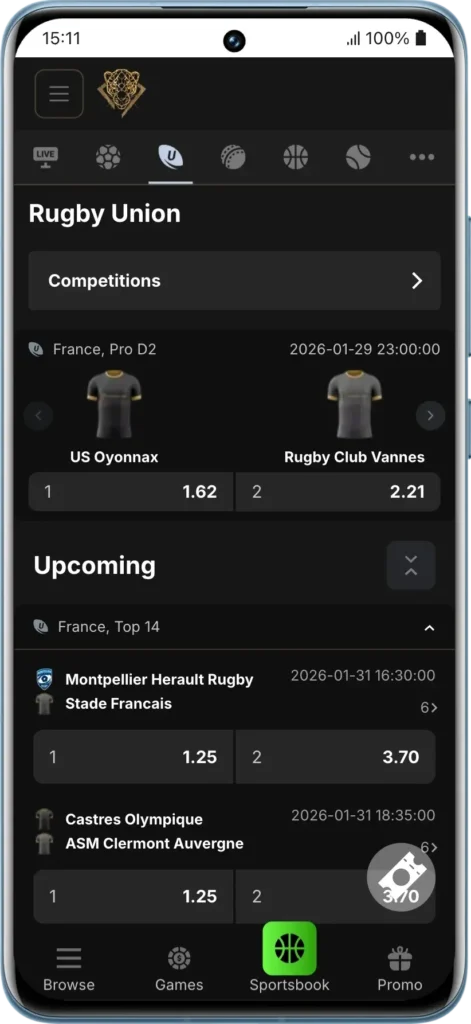
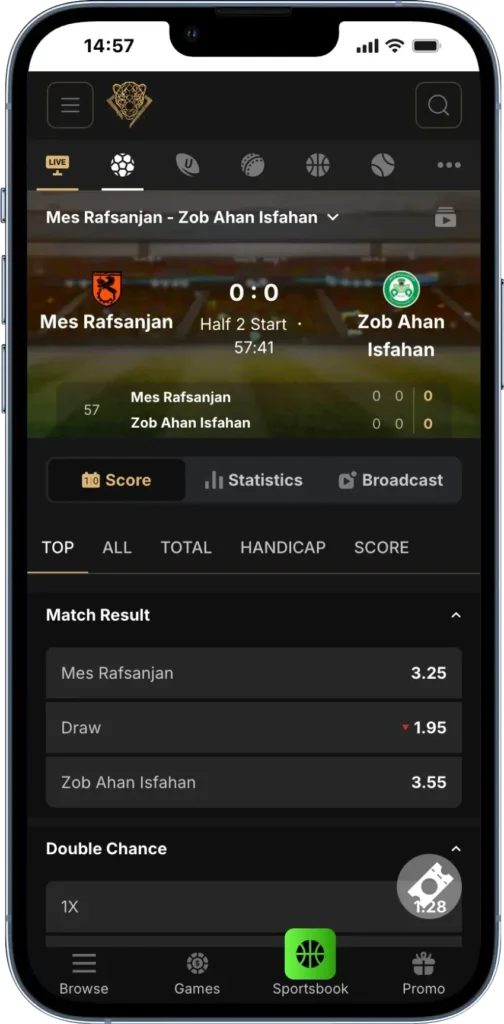
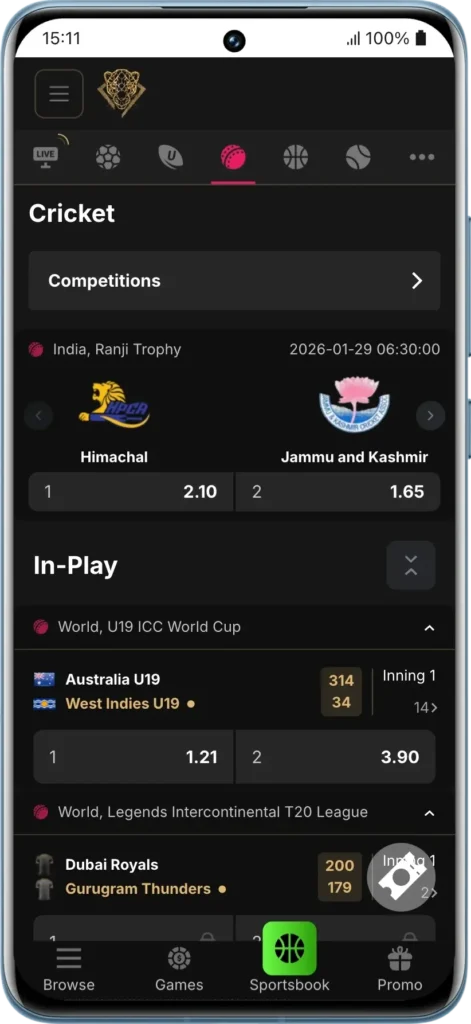
The Pantherbet app presents the flexibility of a session on the go with pre-match and live betting options available for numerous kinds of sports like football, rugby, cricket, and tennis along with redeeming bonuses. You’ll get constant push notifications and excellent gameplay optimisation without the need for heavy downloads. It is a well-performing progressive web app (PWA) on both Android and iOS devices and is not very demanding in terms of storage. South African gamblers can download it directly from the official site to ensure a secure connection, and there will be no problem in starting your mobile betting journey immediately. The mobile solution ensures you never miss a match, offering the full desktop experience in a compact, user-friendly format.
Mobile App Interface and Key Features
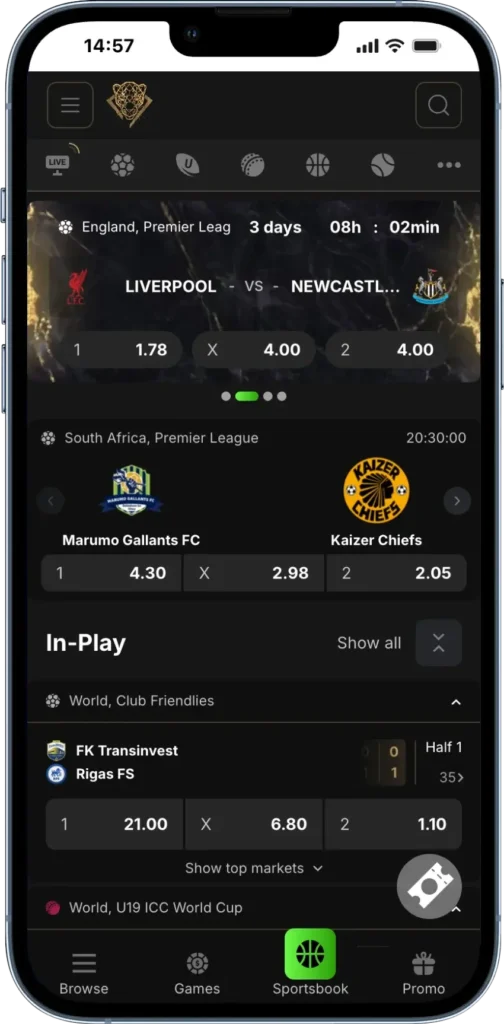
The Panther Bet app is designed as a Progressive Web App (PWA) with a native dark mode theme, recognised for its intuitive layout. All crucial menus such as the Sign Up, Sign In, and search bar are located at the top for quick access. PWA technology ensures very fast loading of content between pages, and moving around is quite easy due to the optimized vertical orientation selection.
- Universal Compatibility: Works seamlessly on Android and iOS.
- Stability: No forced stops or glitches when gambling.
- Storage Friendly: Extremely small size (under 10 MB) as it caches resources efficiently.
Thorough Panther Bet App Download: A Step-by-Step Guide
This software is a PWA, meaning you don’t need to visit an app store. The installation setup is available directly on the official website.
- Android Users: Use the Chrome mobile browser.
- iOS Players: Use the Safari web browser.
Security Warning: Do not install any software claiming to be Pantherbet from third-party APK sites, as they may be unsafe scam imitations. Always use the official domain.
How to Install the Pantherbet App on Android
Since Google Play has restrictions on gambling apps in some regions, the PWA is the most reliable way to access our software. You do not need to change security settings (like “Unknown Sources”) to run it.
- Go to Chrome Browser Menus: Use your Android phone to enter our homepage. Click on the Chrome three-dot icon at the top right corner.
- Install App: Select the Add to Home Screen (or “Install App”) option from the list.
- Confirm: Tap “Add” or “Install” in the prompt.
- Open App: The Pantherbet icon will appear on your device screen instantly. Launch it to start gambling.
How to Install the Pantherbet App on iOS
Apple users can set up the app within seconds using Safari.
- Click the Share Button: Open the Pantherbet site on Safari (iPhone or iPad) and tap the Share button (square with an arrow) at the bottom center.
- Start Download Process: Scroll down and tap Add to Home Screen.
- Rename & Add: You can rename the shortcut “Pantherbet” if you wish, then hit Add at the top right.
- Open PWA: The app is now installed on your home screen ready for use.
System Requirements & Compatibility
A standard Android smartphone or iOS device with at least 2GB RAM is sufficient. However, for the best live betting experience, slightly higher specs are recommended.
| Operating System | Version | Recommended RAM | Compatible Brands |
|---|---|---|---|
| Android | 5.0 or higher | 3GB+ | Samsung, Huawei, Xiaomi, Oppo, Motorola |
| iOS | 11.0 or higher | 3GB+ | iPhone (6s or newer), iPad |
PWA Advantage: unlike native apps that require massive updates, the PWA updates automatically in the background, ensuring you always have the latest odds and features without using up your data plan.
Troubleshooting Common Issues
While the app is stable, here are solutions to rare issues users might face.
- PWA Won’t Install: This is usually due to a poor network or using an unsupported browser (e.g., Opera Mini). Switch to Chrome (Android) or Safari (iOS) and ensure you have a stable internet connection.
- Stuck Logo Screen: If the app freezes on launch, try clearing your browser cache. If you are travelling outside South Africa, the app may not load due to licensing restrictions. Note: Using VPNs to bypass these restrictions is against the Terms of Service.
- Sudden Log Outs: For security, sessions expire after inactivity. Simply log in again to access your profile.
Mobile Version VS Desktop Version
Both platforms offer a fulfilling session, but they serve different needs.
| Feature | Mobile App (PWA) | Desktop Website |
|---|---|---|
| Accessibility | Instant access from home screen | Requires browser navigation |
| User Interface | Simplified touch controls & vertical layout | Panoramic view with more data on screen |
| Performance | Optimized for low data usage | Best for multi-table analysis |
| Notifications | Push notifications for goals & results | Browser notifications only |
Panther Bet App Login and Account Registration
You use the same credentials across all devices.
- Sign In: Tap the button at the top right of the PWA.
- Auto-Fill: Your device can save your email and password for quicker access.
- Single Wallet: Your balance covers both Sports and Casino sections.
Note: While Face ID is not native to the web-app interface on all devices, modern phones can autofill credentials securely via their built-in password managers.
Bonuses for App Users
Mobile players have full access to the promotional lineup:
- Welcome Offer: Deposit R50+ to trigger the R14,000 Welcome Package.
- Loyalty Rewards: Earn points on the go. Reach Amber (3,000 PTS) for 3% cashback or Emerald (10,000 PTS) for 5% cashback.
- Mobile Exclusives: Keep push notifications enabled to receive “App-Only” flash odds and bonus codes.
Security and Safety
The Pantherbet mobile app utilizes TLS 1.3 encryption to secure every transaction. We prioritize account safety by supporting Two-Factor Authentication (2FA) even on mobile. All betting activity is monitored in real-time to ensure compliance with SA gambling regulations.